How to shoot from a car in GTA 6
Press L1 (LB on Xbox) while driving to draw your weapon, then fire with R1 (RB on Xbox). The game puts your weapon away automatically when you get in a vehicle, so you draw it again each time.
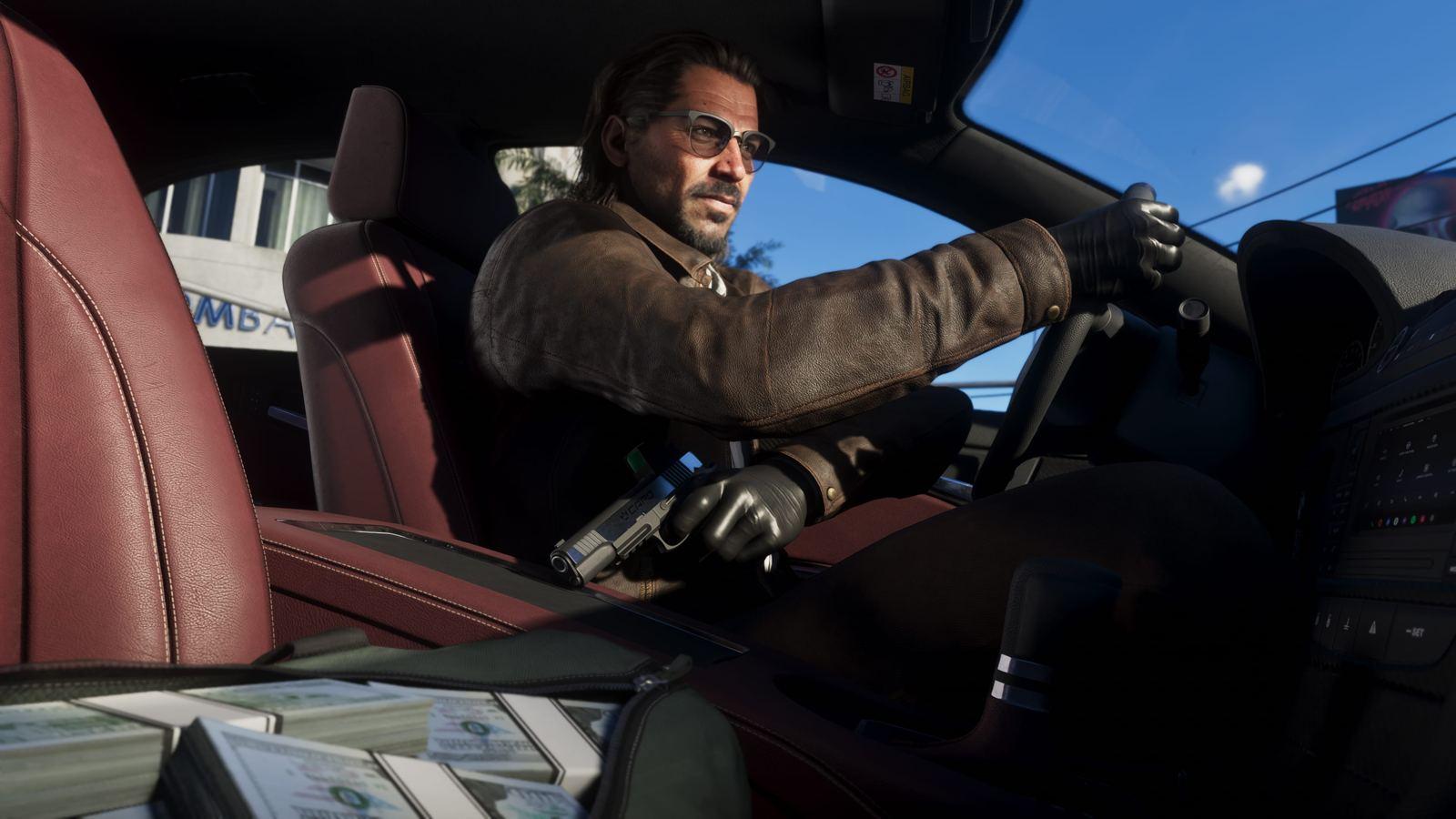
Steps
- Get in a vehicle and start driving.
- Press L1 (LB on Xbox) to draw your weapon.
- Fire with R1 (RB on Xbox).
- Click L3 and R3 together (both sticks on Xbox) to slow time with Focus for easier hits.
- Press L1 (LB on Xbox) again to put the weapon away.
Good to know
- Drive-By Assist in Settings, Gameplay makes your character aim at the closest target while you drive.
- Set Holster in Vehicle to Manual in Settings, Gameplay if you don't want the game to put your gun away when you get in.
- The Chapter 1 mission Hey Arnold! is where the game first has you shoot while driving.